How do you analyze personal cash flow from a bank CSV?
Reconcile each included account to its opening and closing balances, then separate spending from transfers between your own accounts. Count credit-card purchases once when card activity and bank payments are both included. Group reviewed amounts by category and month, retain unresolved items, and state exactly which accounts and dates the summary covers.
Key numbers
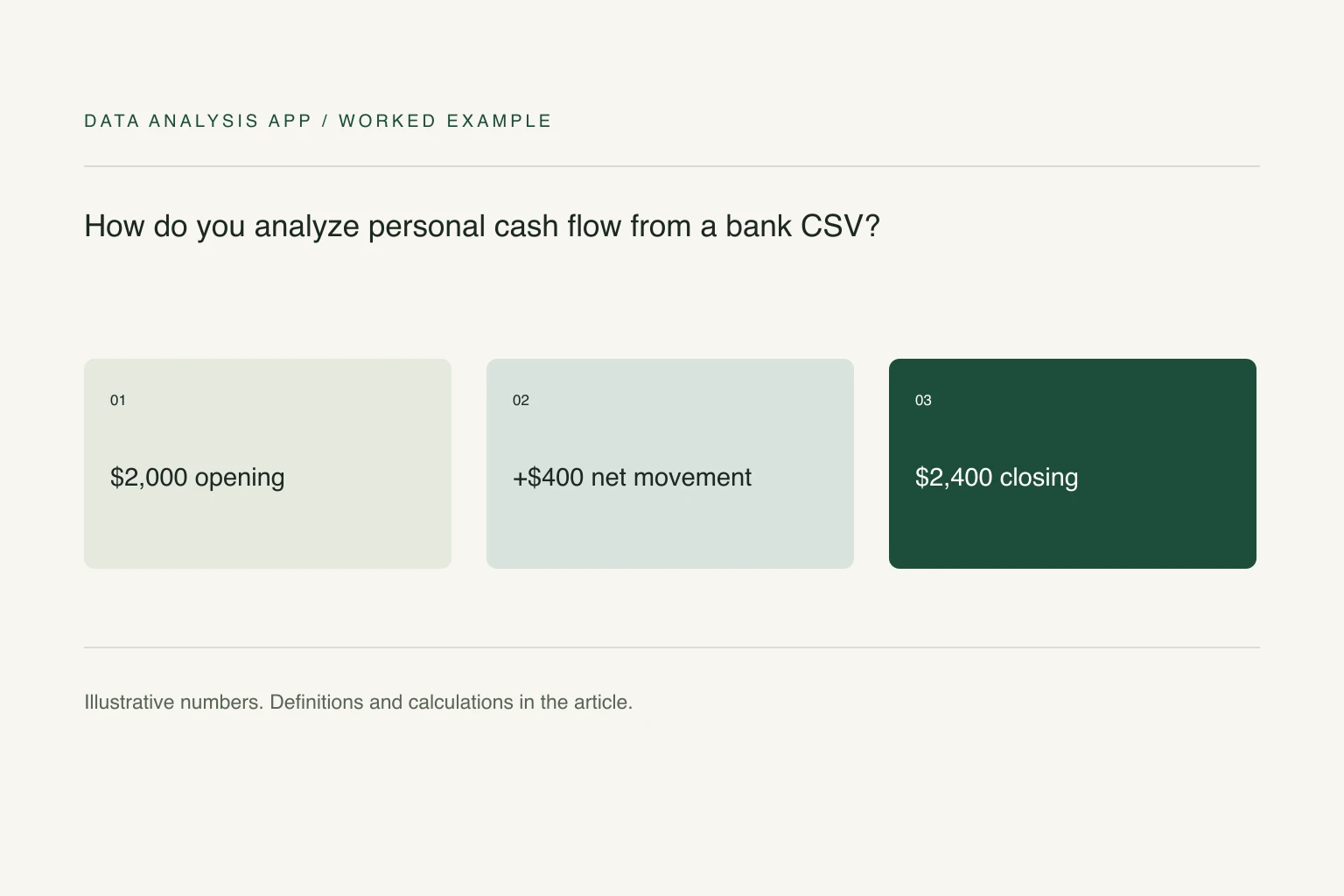
- $2,000
- example opening cash
- $400
- example net cash movement
- $2,400
- example closing cash
Key takeaways
- Reconcile balances before interpreting a category chart.
- Treat internal transfers and card settlements separately from purchases.
- Keep unresolved transactions and the observed period visible.
A bank export can explain where cash went, but only after you separate spending from money moving between your own accounts. Counting a credit-card payment and the card's individual purchases as expenses doubles the same spending. A tidy category chart can hide that error perfectly.
This is a record-review method, using invented numbers. It describes past cash movement rather than recommending investments, credit products, or a personal budget. Keep an unchanged copy of each export and remove account identifiers before sharing a file.
Section 01
Start with one explicit boundary
List the accounts included in the review and use one opening and closing date. If checking and savings are both included, transfers between them are internal movement. If a savings account is outside the review, a transfer to it is an outflow from the included accounts, but still deserves a transfer label rather than Groceries or Rent.
Use the transaction's posting date consistently. A pending card transaction and its settled replacement are not two purchases. Keep the original description, signed amount, account label, and an optional category in separate columns. Do not overwrite the source description when assigning a clearer merchant name.
Section 02
Reconcile the movement before categorizing it
For a fictional month, opening cash is $2,000, money received is $3,000, and money paid out is $2,600. Closing cash should be $2,400. Check that opening cash plus net movement equals the statement's closing balance before interpreting categories. A missing $80 line changes the reconciliation even if every category label looks reasonable.
If you combine accounts, reconcile each account separately first. Then remove paired internal transfers from the combined inflow and outflow totals. Their net effect is already zero, but leaving them in both sides exaggerates the scale of income and spending. Do not automatically pair every equal amount: timing, account direction, and reference information must also support the match.
Section 03
Separate cash movement from economic spending
Suppose the month contains a $500 move from checking to savings, a $700 card payment, and $700 of card purchase lines. If both the bank account and card activity are included, count purchases in their categories and treat the card payment as settlement of those purchases. Otherwise the apparent expense becomes $1,400.
Record refunds as reductions of the relevant spending category when the link is clear. Keep loan principal, interest, reimbursements, and transfers distinguishable. They can all reduce cash, but they answer different questions. An unexplained transaction is an exception to review, not a reason to silently delete a row.
Section 04
Build categories that reconcile to the whole
Group the signed amounts by category and month. Excel SUMIFS can total amounts meeting both category and period criteria. Keep an Unreviewed category visible until its rows are resolved. The spreadsheet totals guide explains why a filter, subtotal, or text-typed amount can make a second total disagree.
Treat annual bills and one-off purchases separately when describing recurring cash needs. A single month's export does not establish an annual pattern, and dividing an unusually large month by four weeks does not make it representative. State the observed window beside every chart and compare like-for-like periods when more history is available.
Section 05
End with exceptions and a reproducible summary
Keep three outputs: the unchanged export, a reviewed transaction table, and a short summary of inflows, outflows, closing balance, and unresolved items. Record why transfers were paired and why ambiguous rows received their categories. Next month, reuse the rules and review new exceptions rather than trusting last month's merchant mapping blindly.
The personal finance use case shows the broader workflow. To inspect a file, start a free analysis, then compare its findings with the statement reconciliation. A clear chart is helpful; a chart that accounts for every source row is the one you can check.
See it on a real project
Two clients, 38% of revenue, accounted for every one of the 38 overdrawn days.
Keep reading
Evidence
Sources
- Microsoft (2026). Sum values based on multiple conditions.
- Data Analysis App team (2026). Related method: why spreadsheet totals disagree.
- Data Analysis App team (2026). Worked project: where money went.