How do I combine two spreadsheets that share a column?
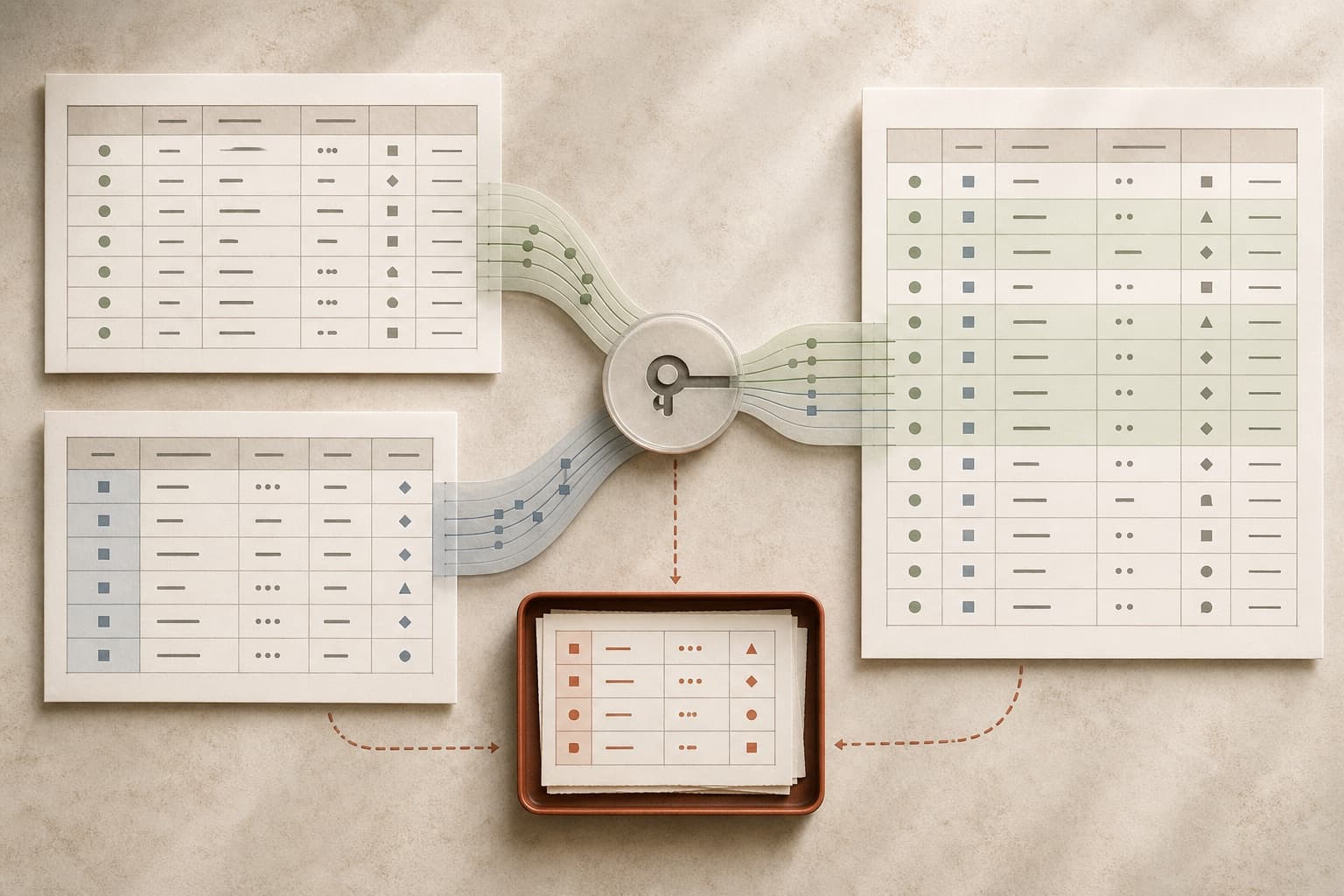
Join on the column they share, then immediately report what proportion matched. A join that silently drops a fifth of the rows produces a report about four fifths of the business, and nothing about the output indicates it. Check the match rate before anything else, and if it is below about ninety-five per cent, find out what the unmatched rows have in common before continuing.
Section 01
Always report the match rate
After any join, count how many rows on the left found a partner on the right. This one number catches more problems than every other check combined, and almost nobody produces it.
The reason it matters is that a partial join looks exactly like a complete one. The output has rows, the numbers are internally consistent, and the missing fifth is invisible unless you go looking.
Then look at what the unmatched rows have in common. They are almost never random: they are one region, one date range, or one source system, and whichever it is, that is the finding.
A match rate below ninety-five per cent is not a join to proceed with. It is a question to answer.
Section 02
The four reasons keys fail
Leading zeros stripped on one side and not the other, so 01234 no longer equals 01234. Whitespace, usually trailing, usually invisible. Case, where one system upper-cases codes and the other does not.
And type: a key read as a number in one file and as text in the other will not match even when both display identically. This is the one people spend longest on, because the two cells look the same at every magnification.
Section 03
The join that multiplies your rows
If the key is not unique on the right-hand side, every duplicate multiplies the matching left-hand rows. A file that had ten thousand rows before the join and eleven thousand four hundred after has not gained rows; it has double-counted fourteen hundred of them.
Every total computed after that is inflated, and by an amount nobody can estimate by eye. Check the row count on both sides of a join as a habit, not as a diagnostic.
If the right-hand key genuinely is not unique, a price list with historical versions, say, the join needs a date condition as well, and getting that wrong is how a report ends up using last year's prices for this year's orders.
See it on a real project
Product A produced 68% of total growth while repeat purchasing fell from 31% to 24%.
Keep reading