How do you build an accounts receivable aging report?
Choose an as-of date and calculate each invoice balance using only payments and credits posted through that date. Measure days overdue from the contractual due date, place balances into mutually exclusive age bands, and retain missing dates and unallocated credits as exceptions. Reconcile the complete report to the same-date receivables total.
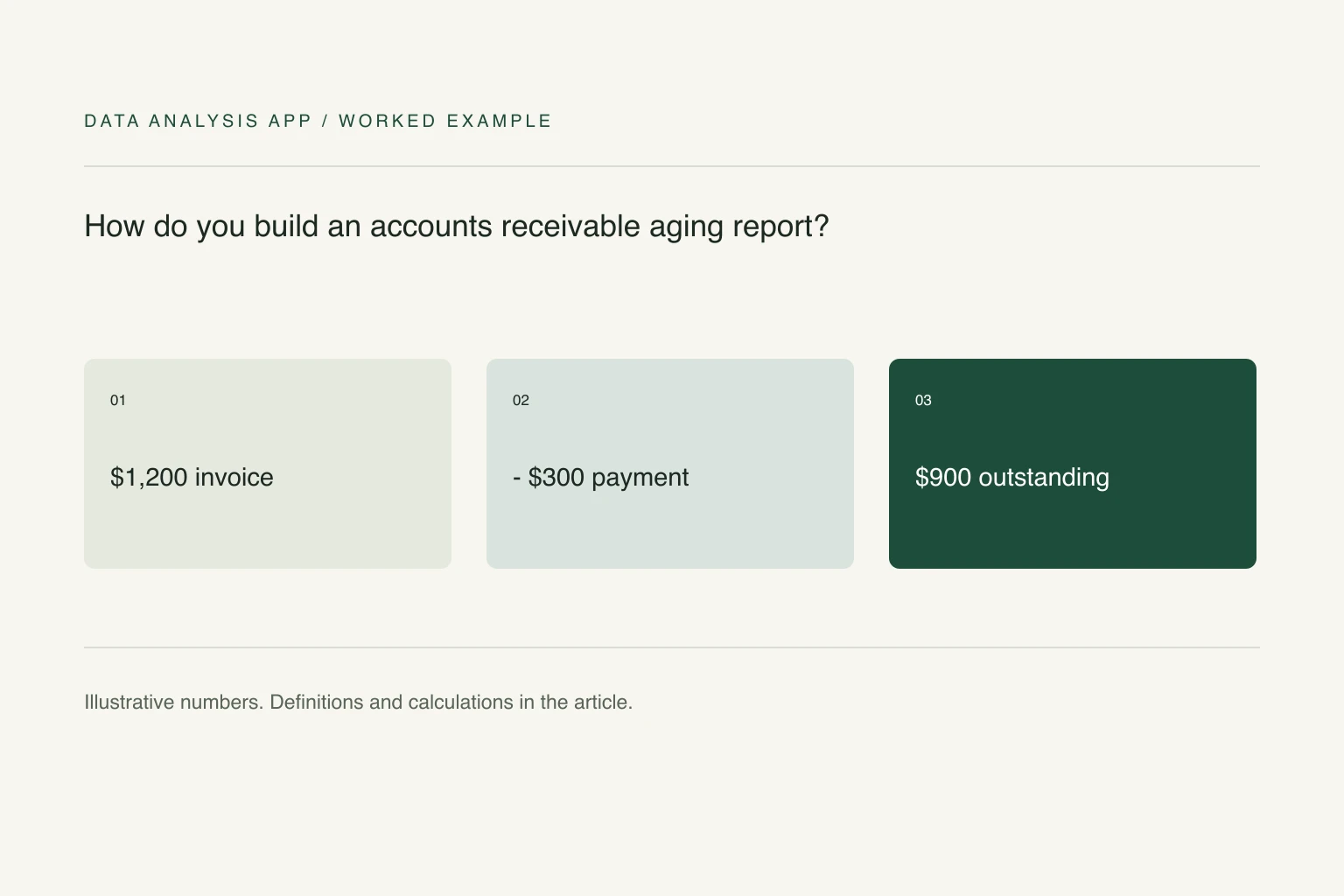
Key numbers
- $1,200
- example original invoice
- $300
- payment before the reporting date
- $900
- outstanding balance aged 45 days
Key takeaways
- Keep the reporting date fixed and reproducible.
- Aggregate payment allocations before joining them to invoices.
- Reconcile age bands and exceptions to the control total.
An aging report is a dated view of unpaid invoices. Its purpose is to distinguish an invoice that is not due yet from a small overdue balance, a disputed amount, and an old debt that keeps being carried forward. The total alone cannot tell you which customer needs a conversation.
The example uses fictional invoices and a fixed reporting date. It is a managerial reconciliation, not a recommendation about legal collection or an accounting provision. Preserve the original invoice, credit, and payment records so the balances remain explainable.
Section 01
Define the balance at a fixed date
Choose an as-of date and use only activity posted on or before it. Outstanding balance equals the original invoice amount, minus allocated payments and credits through that date. A payment received in November must not make an October month-end report appear as though the invoice was already settled.
Use stable invoice and customer identifiers. If one invoice has several payment allocations, aggregate those allocations first and join their total once to the invoice. Joining invoice lines directly to payment lines can multiply both. The merge guide describes the row-count checks that expose this mistake.
Section 02
Age by the due date, not by a convenient label
For this report, days overdue equals the as-of date minus the contractual due date. A negative or zero value belongs in Current. Use mutually exclusive bands: 1–30, 31–60, 61–90, and over 90 days. Keep missing due dates in an exception group instead of assuming the invoice was immediately due.
State the convention in the report. Aging from invoice date answers a different question and may be appropriate in a different workflow, but switching between the two without a label makes monthly comparisons unreliable. Confirm whether the export's Due date is a date value rather than text before calculating elapsed days.
Section 03
Work one invoice all the way through
Suppose an invoice for $1,200 was due August 31. At an October 15 reporting date it is 45 days overdue. A $300 payment posted September 20 reduces its outstanding balance to $900, which belongs entirely in the 31–60 band. A further payment posted October 20 does not change this October 15 snapshot.
If the customer also has a $100 unallocated credit, show that credit separately until you know which invoice it settles. Subtracting it from every open invoice would understate the debt repeatedly. Include customer-level credit balances in the reconciliation and explain how they affect the overall total.
Section 04
Reconcile and prioritize without hiding exceptions
Sum all age bands and exception balances, then compare that sum with the receivables control total from the same source and date. Excel SUMIFS can group outstanding amounts by customer and age band. Check both the row count and the total; matching totals can conceal a missing invoice offset by a duplicate.
Sort the review using amount, age, disputes, and recent communication rather than age alone. A $30 old invoice and a $30,000 newly overdue invoice present different operational questions. Give each material item an owner and a next review date. Keep disputed balances visible; moving them out of the chart does not settle them.
Section 05
Keep the report repeatable
Save the reporting date as an explicit input, rather than using a changing TODAY value in a report you expect to reproduce later. Store the category rules and reconciliation alongside the output. When opening a prior month, the same source rows should reproduce the same bands.
Use the month-end close checklist before distributing the result. You can upload an invoice export to inspect free findings and source issues. Confirm allocation rules yourself: a plausible match on amount is not evidence that a payment belongs to a particular invoice.
See it on a real project
Contractor spend rose $412,000 while headcount spend fell $448,000, leaving only a $4,000 net change.
Keep reading
Evidence
Sources
- Microsoft (2026). Sum values based on multiple conditions.
- Data Analysis App team (2026). Related method: month end close spreadsheet checks.
- Data Analysis App team (2026). Worked project: quarterly board pack.